Season · September to November
Fall
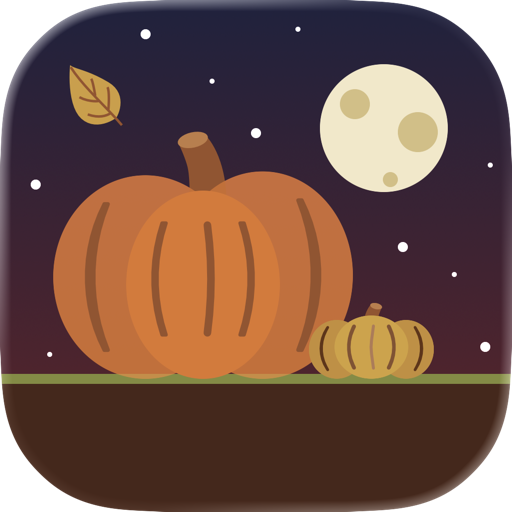
Pumpkins, hay bales, a latte and falling leaves.
Dockorate decorates your Mac’s Dock for every season and festival, and changes it with the calendar all by itself.
Dockorate is a Mac app.


 Thu, Oct 29 5:17 PM
Point at a jack-o’-lantern, then click it to smash it for candy. 0 smashed
Halloween is on Docks now, through Oct 31
macOS 13 or later · Apple silicon and Intel · Signed and notarized
Leave your email and we’ll send you the link to open on your Mac, plus a note when new seasons arrive.
Themes New
Two seasons and four festivals, each with its own Dock, its own extras and its own desktop pictures, in light and dark. Everything you can click does something.
Season · September to November
Pumpkins, hay bales, a latte and falling leaves.

Festival · The week before October 31
Glowing jack-o’-lanterns, tombstones, candy, bats and a friendly ghost.

Festival · The week before Lakshmi Puja
Glowing diyas, rangoli, sweets, crackers, a marigold garland and a visiting peacock.

Season · December to February
Snowmen, snowy pines, hot cocoa, a sled, falling snow and a visiting penguin.

Festival · The week before December 25
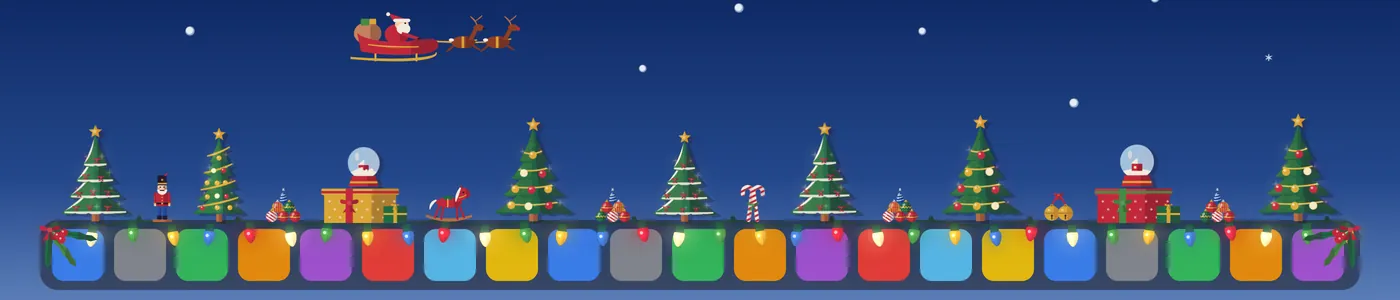
Twinkling Christmas trees, stacks of ornaments, presents, a string of lights and Santa’s sleigh.

Festival · New Year’s Eve and Day
Party poppers, a Happy New Year banner, the ball drop, a clock about to strike midnight and fireworks.
Change Automatically
Turn on Change Automatically and Dockorate follows the seasons, from Fall to Winter, and puts each festival on your Dock ahead of its day. Then it goes back to the season, all by itself.
Festivals arrive a week before their day to start with. Make it anything from 3 days to a month.
Switch off any theme you’d rather skip, and the season before it simply stays a little longer.
Love Christmas? Pick it and it stays. Switching is smooth: the old harvest fades as the new one grows in.
Background
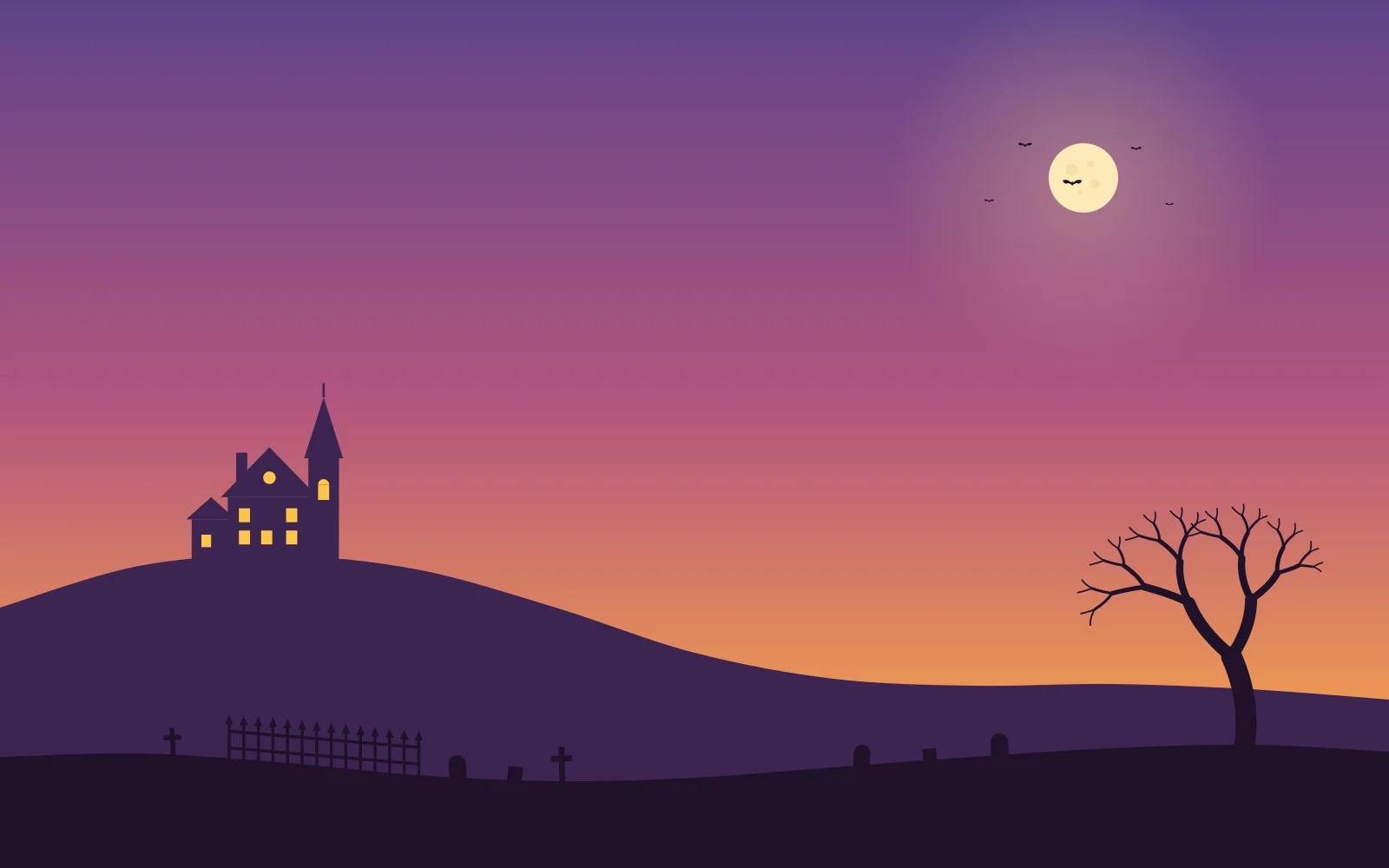
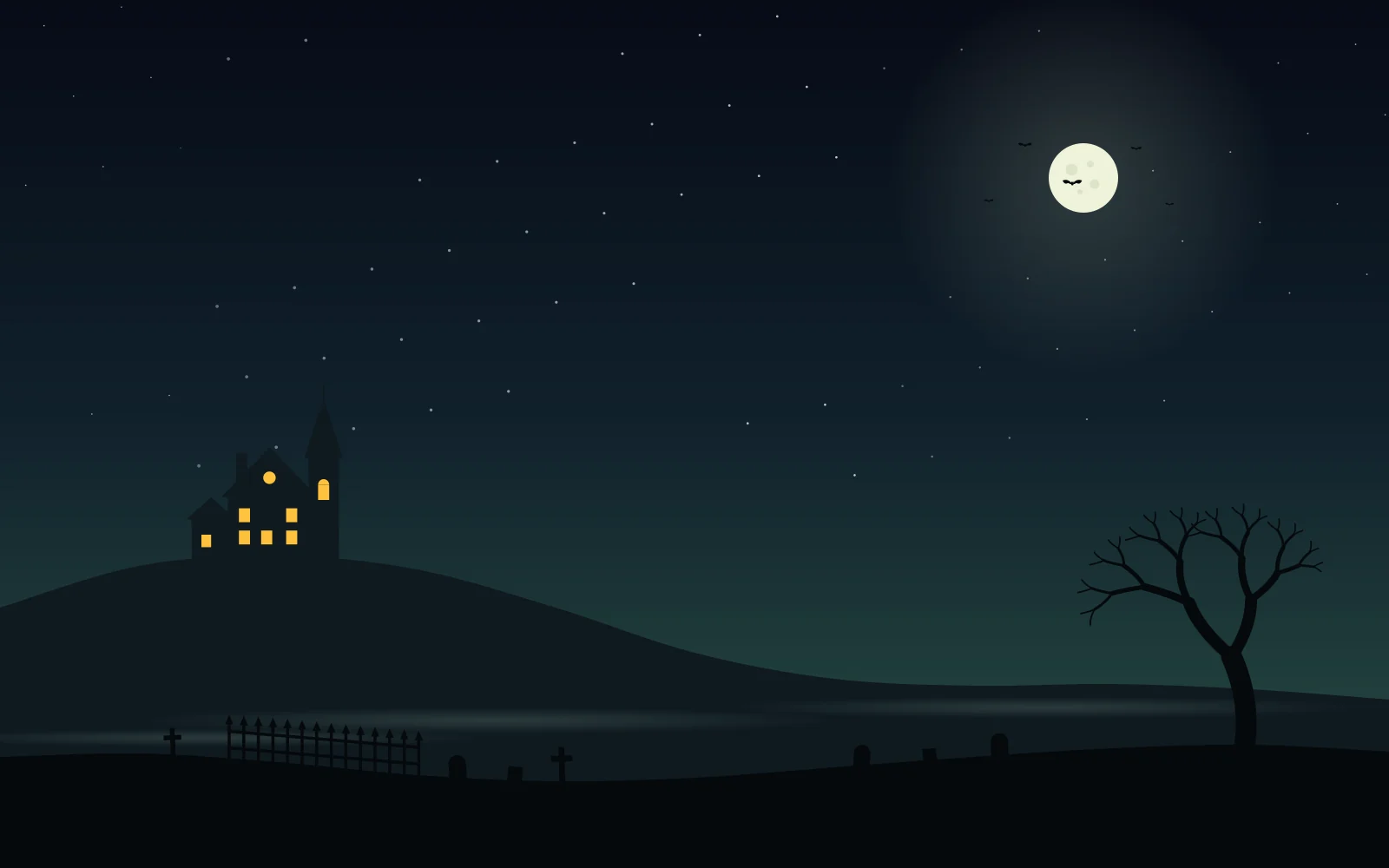
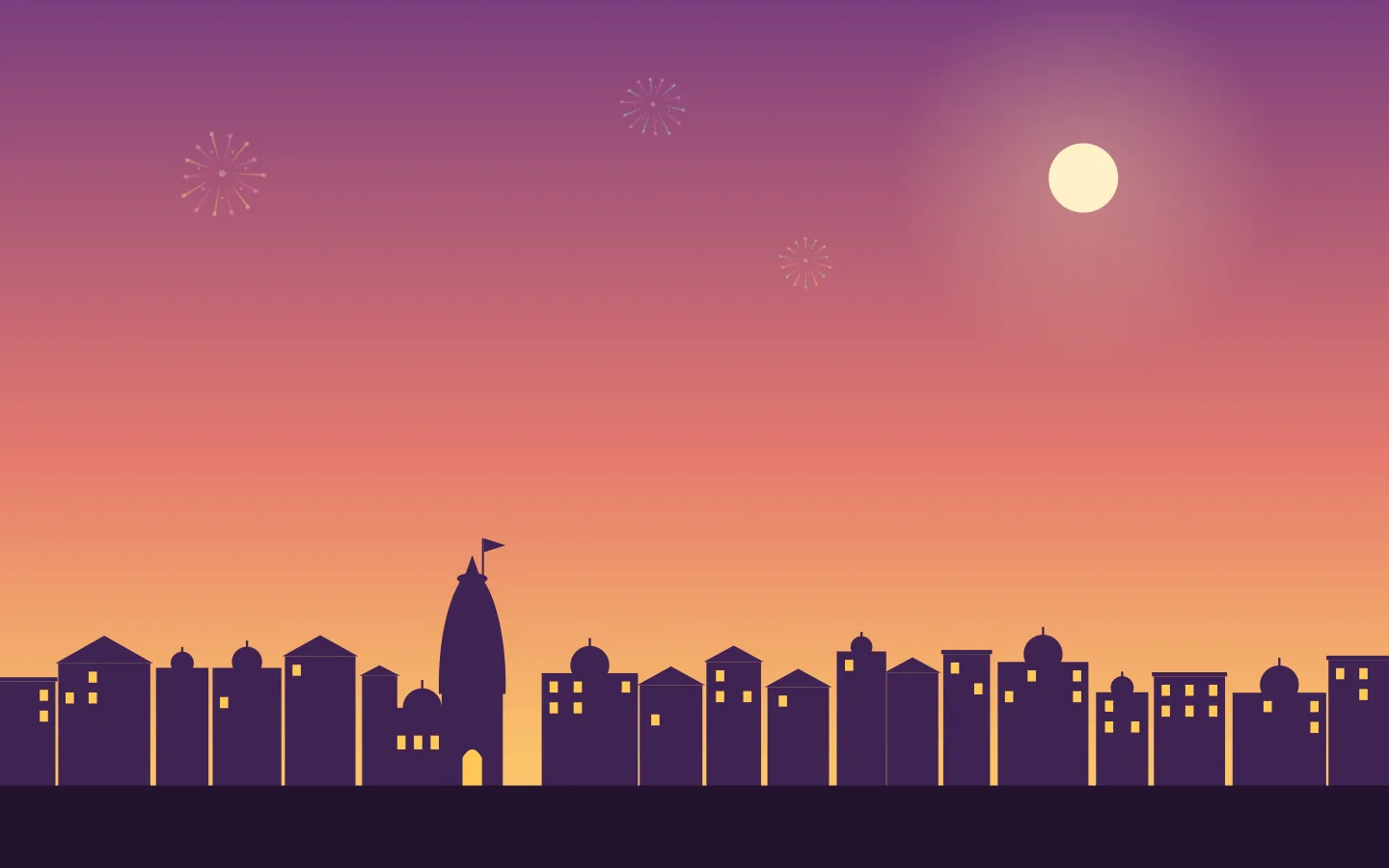
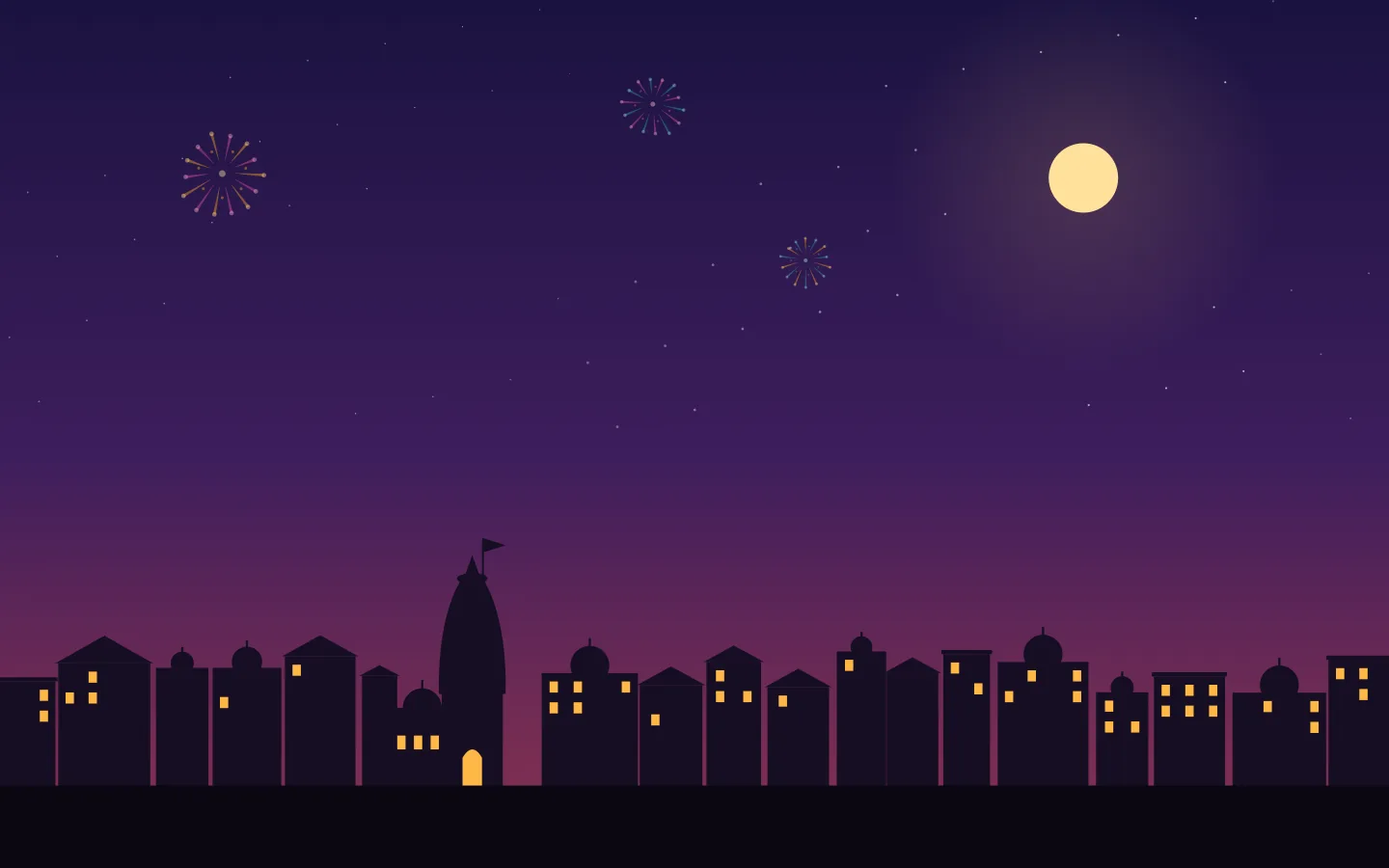
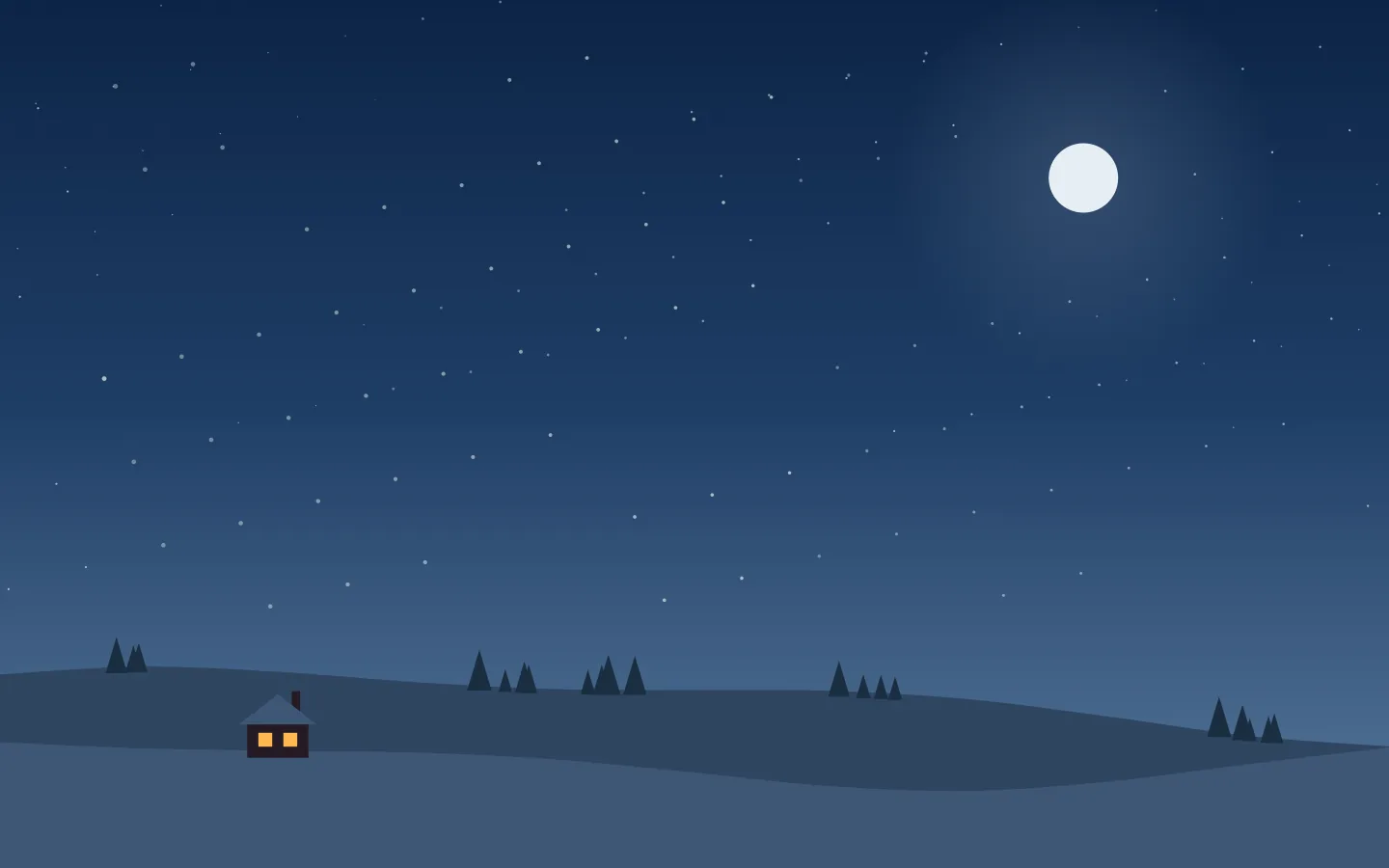
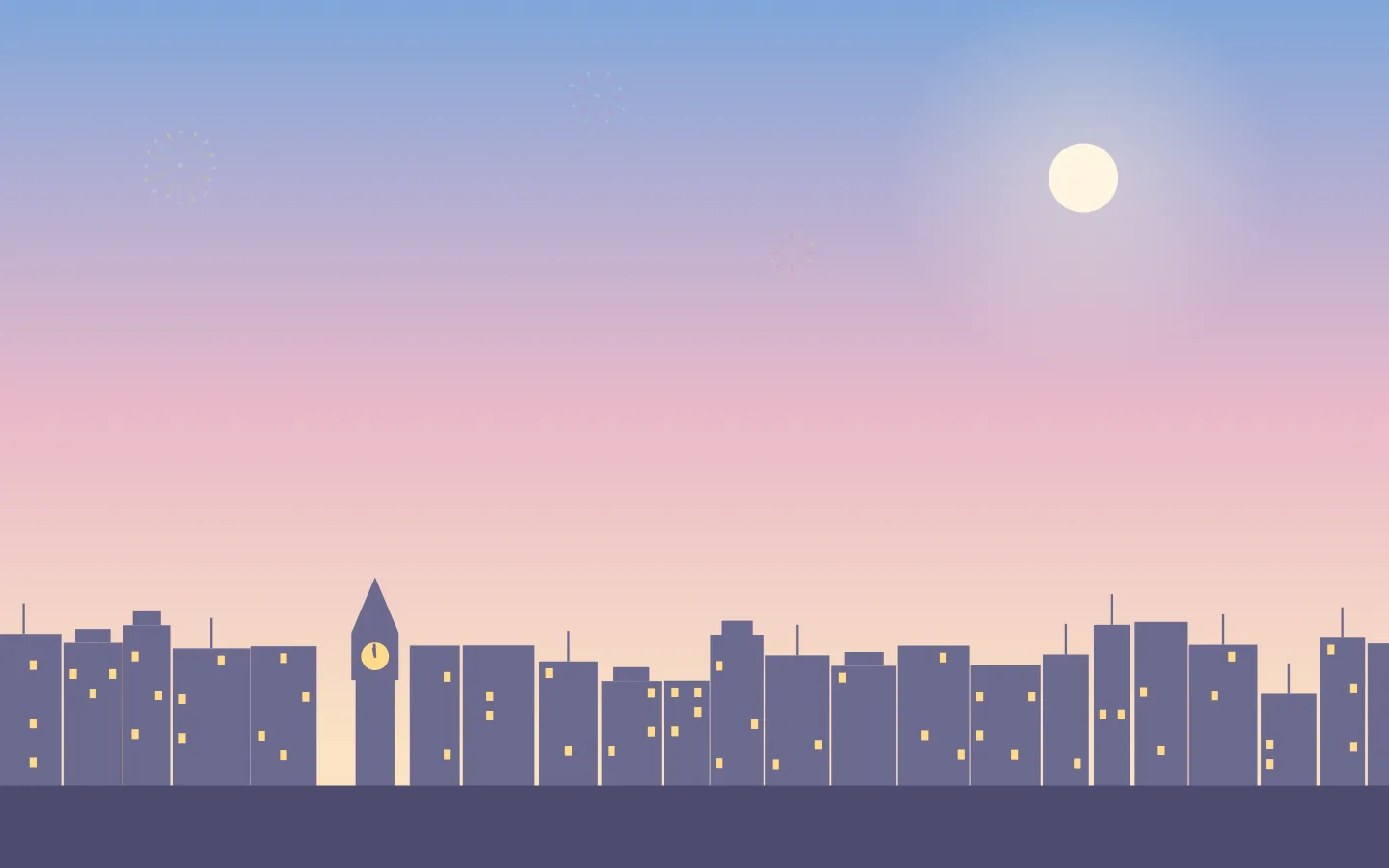
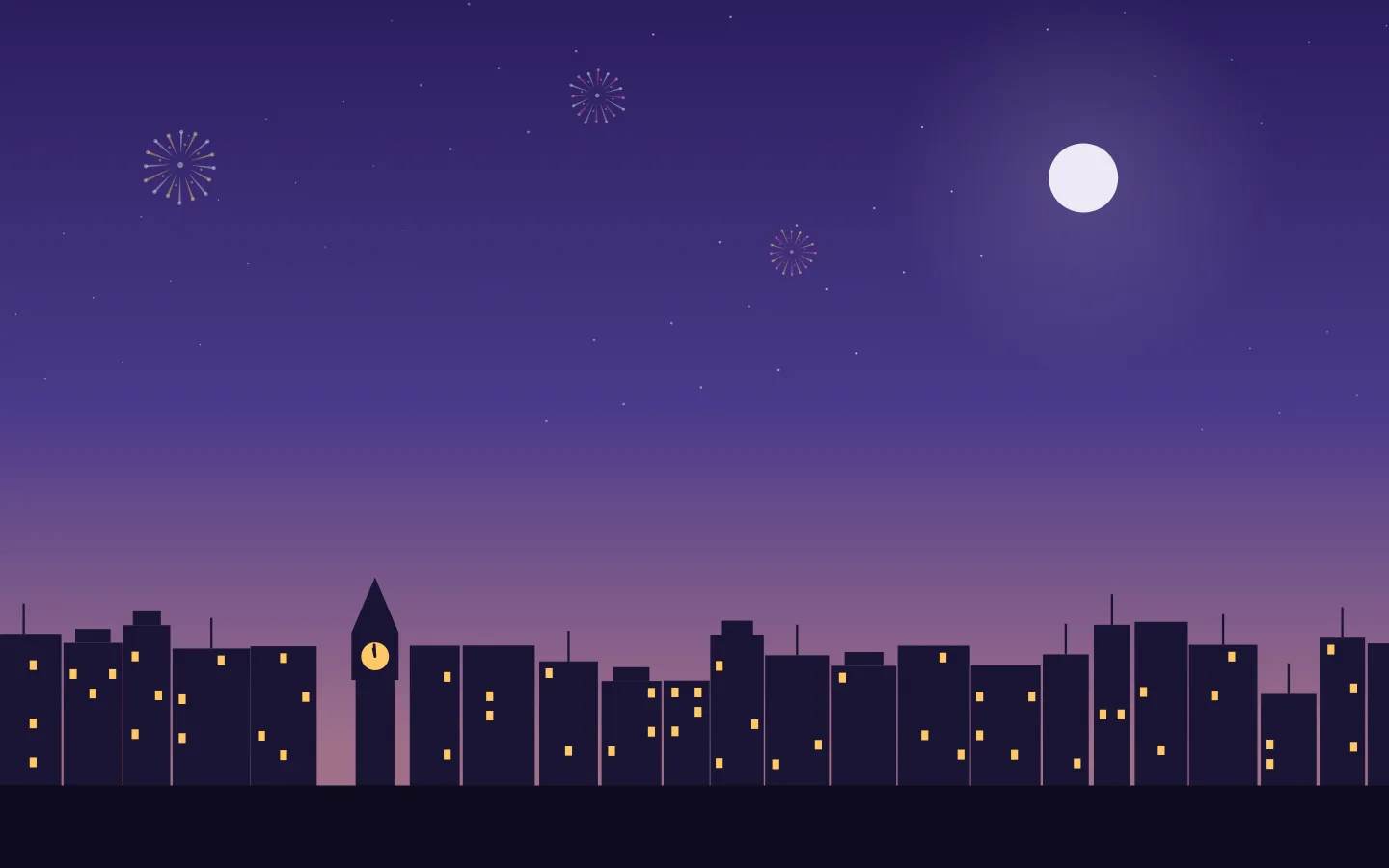
Switch on Background and your desktop picture changes with the theme on your Dock. Every theme has its own: a quiet autumn sky, a haunted hill, a town at dusk for Diwali, snowy hills for Winter and Christmas, and a city skyline for New Year’s.



Click
Pumpkins and snowmen burst apart, and jack-o’-lanterns spill candy. Diyas send fireworks into the sky, Christmas trees light up to a bursting star, and party poppers shower confetti. Everything grows back a few seconds later, and Dockorate keeps count.
Fit
Everything stretches with your Dock, rises when icons magnify and hides when the Dock does, even in full-screen apps.
0.5%
CPU when idle. It lives in your menu bar and stays out of the way.
Appearance
A softer palette by day, a deeper one at night. It follows your Mac, and Reduce Motion too.
Details
A squirrel stops by for an acorn, a peacock fans its tail, a penguin slides off on its belly and Santa’s sleigh flies past. And each festival’s own day gets a little show of its own.
Replies to the launch post on X.
So good
 SIP @spottedinprod on X
Pumpkins sitting above the Dock 😂 You get the idea before reading a word. Congrats on your first Mac app, Amol!
 Abhishek Kothari @thenightshipper on X
there's a risk of me staring at them all day instead of working
 plopgloop @plopgloop on X
smashable pumpkins on the dock as a FIRST mac app?? bro skipped the tutorial and went straight to the boss level 🎃🔥
 5minsdev @5minsdev on X
Needed that. Got that. Good stuff.
 Chris Klein @cwkdotone on X
haha this is so cute!
 Eda @edatweets_ on X
So cool! 😎
 Filip Vabroušek @filipvabrousek on X
Four new themes: Diwali, Winter, Christmas and New Year’s, each with its own Dock, its own extras and its own desktop pictures, in light and dark.
Yes. Dockorate offers the 2.0 update by itself, at no extra cost. Install it and the new themes are waiting on the Themes page.
With Change Automatically on, Fall runs from September to November and Winter from December to February. Halloween, Diwali and Christmas arrive a week before their day to start with, and you can pick anything from 3 days to a month. New Year’s is on for New Year’s Eve and New Year’s Day. Or keep any theme on your Dock all year.
They’re on the way. Until they arrive, Fall keeps your Dock company from March to August.
No. Dockorate saves your own picture first and puts it back when you switch Background off. Background is off until you turn it on.
No. Dockorate idles at about half a percent of one CPU core, and it sleeps while your Dock is hidden.
Yes. The decorations sit along the top edge of your Dock, and your apps open and close as usual.
Only to read the size of your Dock so everything fits it exactly. It’s optional; without it, Dockorate estimates the size.
When your Dock hides, the decorations hide with it, and they come back when the Dock does.
Not yet. Dockorate decorates a Dock at the bottom of the screen.
It’s $2.99, a one-time purchase, not a subscription. New themes arrive as updates.
Yes. Email support@amolkmr.com within 7 days of purchase for a full refund.
Email support@amolkmr.com and we’ll get back to you.
Dockorate for Mac. Pumpkins in the fall, diyas for Diwali, snowmen all winter, Christmas trees, a New Year’s party, and more seasons on the way. All in one tiny app.
Full refund within 7 days · macOS 13 or later · Apple silicon and Intel · Signed and notarized
Additional questions?
Contact Us